What Is The ERR_CONNECTION_RESET Error?
(Academy)
This error code indicates that your browser has failed to connect to a hosting server.
The connection reset error looks slightly different in every browser.
Google Chrome:
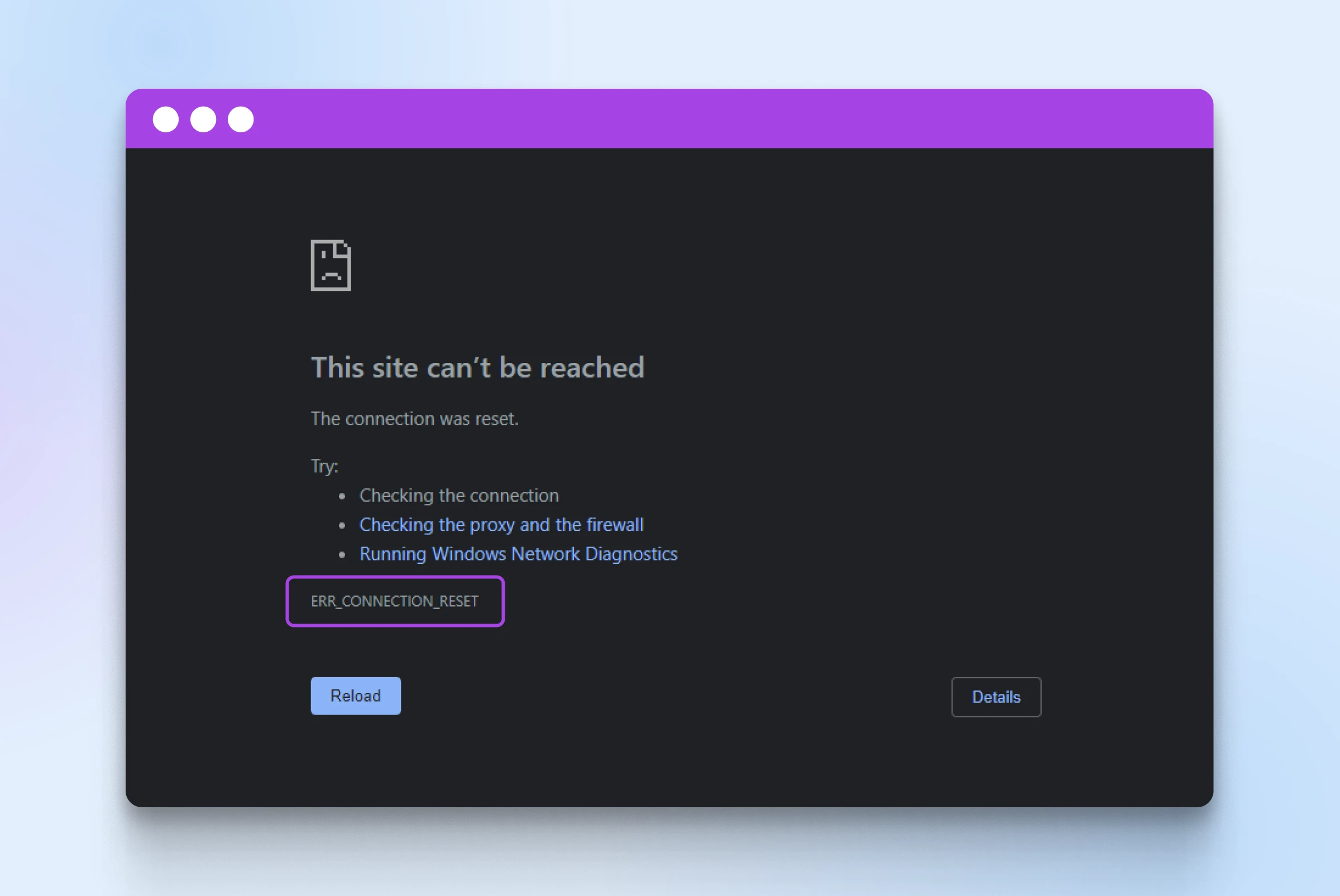
Firefox: “The connection was reset” with the error code PR_CONNECT_RESET_ERROR.
Microsoft Edge: “Hmmm… can’t reach this page” or “This page isn’t working,” along with the error code ERR_CONNECTION_RESET.
Safari: “Safari can’t establish a secure connection to the server.”
Here are some troubleshooting tips:
1. Refresh The Page
2. Clear Your Browser’s Cache And Cookies
3. Check Your Browser Extensions
4. Restart Your Internet Router
5. Disable Your VPN Or Proxy
6. Temporarily Disable Your Antivirus And Firewall
Related Articles
Error lti.flvsgl.com
(Academy) Step 1: Refresh or Try a Different Browser Sometimes a simple refresh (Ctrl + R) or switching from Chrome to Firefox (or vice versa) solves the issue. Step 2: Restart Your Internet Connection Please turn off your Wi-Fi router for 30 seconds ...Error Code 421 – Host Not Reachable
Error Code 421 – Host not reachable usually means the mail server (or remote host) you’re trying to connect to is not accepting connections. Common causes: The destination mail server is temporarily down. A firewall or security setting is blocking ...“NoAuthentication: action='putattemptfile'” Error when uploading an assignment
(Academy) This indicates that the system attempted to upload or save a file—usually related to an assignment attempt—but was unable to complete the action because you were not authenticated at the time. How to Fix It Refresh the page and log back in ...403 or "Invalid Session" Error
(Academy) Recently, some browsers have enabled blocking of "cross-site tracking" by default, intended to prevent ad companies from gathering your interests. However, this setting interferes with our courses from Flexpoint Education because it uses ...How to fix a 419 Page Expired error ?
(Academy) You might have received a 419 Page Expired error code for a couple of reasons: either a user has been inactive for too long, and their session is expiring, or the server terminates the session for security or maintenance reasons. The ...